
Contents
- ⚙️ What Exactly IS a Server Computer?
- 🌐 Who Needs a Server (and Why)?
- 🏠 On-Premise vs. Cloud: The Great Divide
- 📏 Server Specs: Decoding the Jargon
- 💰 Pricing & Plans: Beyond the Sticker Shock
- ⭐ What People Say: Vibe Scores & User Sentiment
- 💡 Server Types: Beyond the Generic Box
- 🛠️ Maintenance & Management: The Hidden Costs
- 🚀 The Future of Servers: AI, Edge, and Beyond
- ❓ Frequently Asked Questions
- Related Topics
Overview
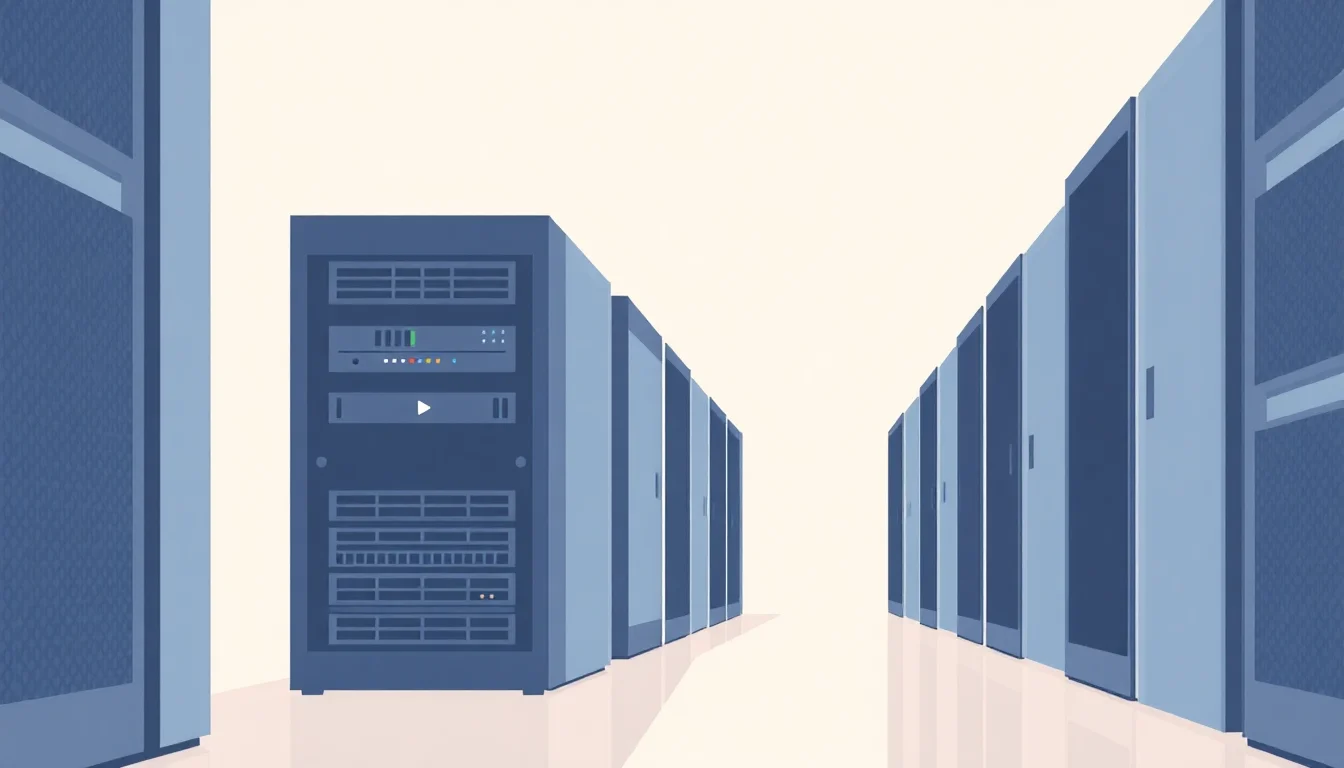
Server computers are the dedicated, high-performance machines that power everything from your favorite websites and streaming services to complex scientific simulations and global financial transactions. Unlike personal computers designed for individual use, servers are built for continuous operation, reliability, and handling massive amounts of data and user requests simultaneously. They come in various form factors, from the space-saving rackmount units found in data centers to the massive, distributed infrastructure of cloud computing providers. Understanding server architecture, core components like CPUs, RAM, and storage, and the critical role of networking is essential for anyone looking to grasp the fundamental mechanics of the internet and modern digital infrastructure. Their evolution has been a relentless march towards greater efficiency, power, and scalability, fundamentally shaping how we interact with information and each other.
⚙️ What Exactly IS a Server Computer?
Forget the sleek, silent towers on your desk. A server is a specialized, often beefier machine designed to provide services, resources, or data to other computers, known as clients, over a network. Think of it as the tireless workhorse of the digital realm, running 24/7 to keep websites online, manage databases, handle email, and power everything from your favorite streaming service to the complex algorithms behind AI. Unlike a typical desktop, servers prioritize reliability, performance, and the ability to handle multiple simultaneous requests, often featuring redundant power supplies and robust cooling systems to prevent downtime. The sheer volume of data processed by servers globally is staggering, with estimates suggesting trillions of requests are handled daily by the world's server infrastructure.
🌐 Who Needs a Server (and Why)?
So, who’s actually in the market for this kind of hardware? The answer is broader than you might imagine. Small businesses might use a server for internal file sharing, customer relationship management (Customer Relationship Management) software, or hosting a company intranet. Larger enterprises rely on them for everything from running mission-critical applications and managing vast datasets to powering e-commerce platforms and facilitating global communication. Even individuals with specific needs, like hosting a personal website, running a game server for friends, or experimenting with advanced data science projects, might find themselves considering a server. The decision often hinges on the need for consistent availability, dedicated resources, and enhanced security.
🏠 On-Premise vs. Cloud: The Great Divide
The fundamental choice for acquiring server capabilities boils down to two main paths: on-premise or cloud. On-premise means you own and manage the physical hardware within your own facilities, offering maximum control but demanding significant upfront investment and ongoing IT expertise. Cloud computing, on the other hand, involves renting server resources from providers like AWS, Azure, or GCP, offering scalability, flexibility, and a pay-as-you-go model. This shift towards the cloud, driven by its economic advantages and ease of management, has fundamentally reshaped the server market over the last decade, though dedicated on-premise solutions still hold sway for specific security and performance-sensitive applications.
📏 Server Specs: Decoding the Jargon
Navigating server specifications can feel like deciphering an alien language. Key metrics include CPUs, measured in cores and clock speed (GHz), which dictate processing power; RAM (Random Access Memory), crucial for multitasking and handling large datasets; storage, ranging from fast but expensive SSDs to high-capacity HDDs; and network interface speeds (Gbps). RAID configurations are vital for data redundancy and performance, while Error-Correcting Code RAM is essential for preventing data corruption in critical applications. Understanding these components is key to selecting a server that meets your specific workload demands without overspending.
💰 Pricing & Plans: Beyond the Sticker Shock
The cost of servers isn't a one-time purchase; it's an ongoing commitment. For on-premise solutions, expect significant capital expenditure for hardware, plus costs for power, cooling, physical security, and IT staff. Cloud server pricing is typically based on usage (CPU hours, data transfer, storage), with various tiers and instance types available. For instance, a basic virtual machine on AWS might cost a few cents per hour, while a high-performance dedicated server can run into hundreds or thousands of dollars per month. Virtualization technologies allow multiple virtual servers to run on a single physical machine, optimizing resource utilization and reducing costs for both on-premise and cloud deployments.
⭐ What People Say: Vibe Scores & User Sentiment
On Vibepedia, server computers generally score high in terms of cultural utility, often hovering around an 85 Vibe Score, reflecting their indispensable role in the digital ecosystem. User sentiment is largely positive, with appreciation for reliability and performance, though frustration can arise from complexity and unexpected costs. The Controversy Spectrum for servers is relatively low, as their function is widely accepted, but debates do exist around the environmental impact of large data centers and the ethical implications of data storage. Pessimistic perspectives often highlight the energy consumption and the potential for single points of failure in poorly managed systems.
💡 Server Types: Beyond the Generic Box
Servers aren't monolithic. Blade servers are highly dense, modular units designed for maximum computing power in minimal space, ideal for large data centers. Rack servers are standardized units that mount into server racks, offering a balance of density and accessibility. Tower servers resemble large desktop PCs and are suitable for smaller businesses or environments where rack infrastructure isn't available. Beyond these physical forms, virtual servers (VMs) and containers (like Docker) abstract away the underlying hardware, offering immense flexibility and scalability, often running on powerful physical servers in a data center.
🚀 The Future of Servers: AI, Edge, and Beyond
The server landscape is in constant flux, driven by emerging technologies. AI and ML workloads are demanding more specialized hardware, leading to the rise of GPU-accelerated servers. The push for lower latency and faster processing is fueling the growth of edge computing, where servers are deployed closer to the data source, reducing reliance on central data centers. Furthermore, advancements in quantum computing promise to revolutionize certain types of computation, though widespread server adoption is still a distant prospect. The ongoing battle between on-premise, hybrid, and multi-cloud strategies will continue to shape the market.
❓ Frequently Asked Questions
Q: What's the difference between a server and a regular computer? A: A server is built for continuous operation, handling multiple requests simultaneously, and offering higher reliability and performance than a typical desktop or laptop. Regular computers are designed for single-user interaction and general productivity tasks. Servers often have specialized hardware like redundant power supplies, ECC RAM, and more robust cooling systems.
Q: How much does a server cost? A: Costs vary wildly. A basic small business server might start at a few thousand dollars, while high-end enterprise-grade servers can cost tens or hundreds of thousands. Cloud server instances can range from a few dollars a month to thousands, depending on the resources allocated and usage.
Q: Do I need IT expertise to manage a server? A: Yes, managing a server, whether on-premise or in the cloud, requires technical knowledge. This includes operating system administration, network configuration, security patching, and performance monitoring. Managed services or cloud providers can offload some of this burden, but a fundamental understanding is still beneficial.
Q: What is virtualization, and why is it important for servers? A: Virtualization allows a single physical server to run multiple isolated 'virtual' servers. This dramatically improves hardware utilization, reduces costs, and provides flexibility in deploying and managing applications. It's a cornerstone of modern cloud computing and data center operations.
Q: How do I choose the right type of server? A: The choice depends on your specific needs: workload type, budget, scalability requirements, and existing infrastructure. For file sharing and basic applications, a tower or rack server might suffice. For high-density computing or cloud environments, blade servers or virtual instances are more common. Consulting with an IT professional or server vendor is highly recommended.
Q: What are the main security concerns with servers? A: Servers are prime targets for cyberattacks due to the valuable data they often hold. Key concerns include unauthorized access, data breaches, malware infections, and denial-of-service (DoS) attacks. Robust security measures, including firewalls, intrusion detection systems, regular patching, and access controls, are essential.
Key Facts
- Year
- 1940
- Origin
- Early mainframe computers, evolving through minicomputers and the rise of client-server architecture in the 1980s.
- Category
- Technology
- Type
- Resource Guide