
Contents
- 🚀 What is VR, Really?
- 🎧 Your First Headset: The Big Decision
- 💻 PC VR vs. Standalone VR: The Great Divide
- 🎮 Essential Accessories for Immersion
- 💰 Budgeting Your Entry into VR
- 📍 Where to Buy & Set Up Your VR Gear
- 🌟 Top VR Experiences for Newcomers
- ⚠️ Common Pitfalls & How to Avoid Them
- 📈 The Future of VR: What's Next?
- Frequently Asked Questions
- Related Topics
Overview
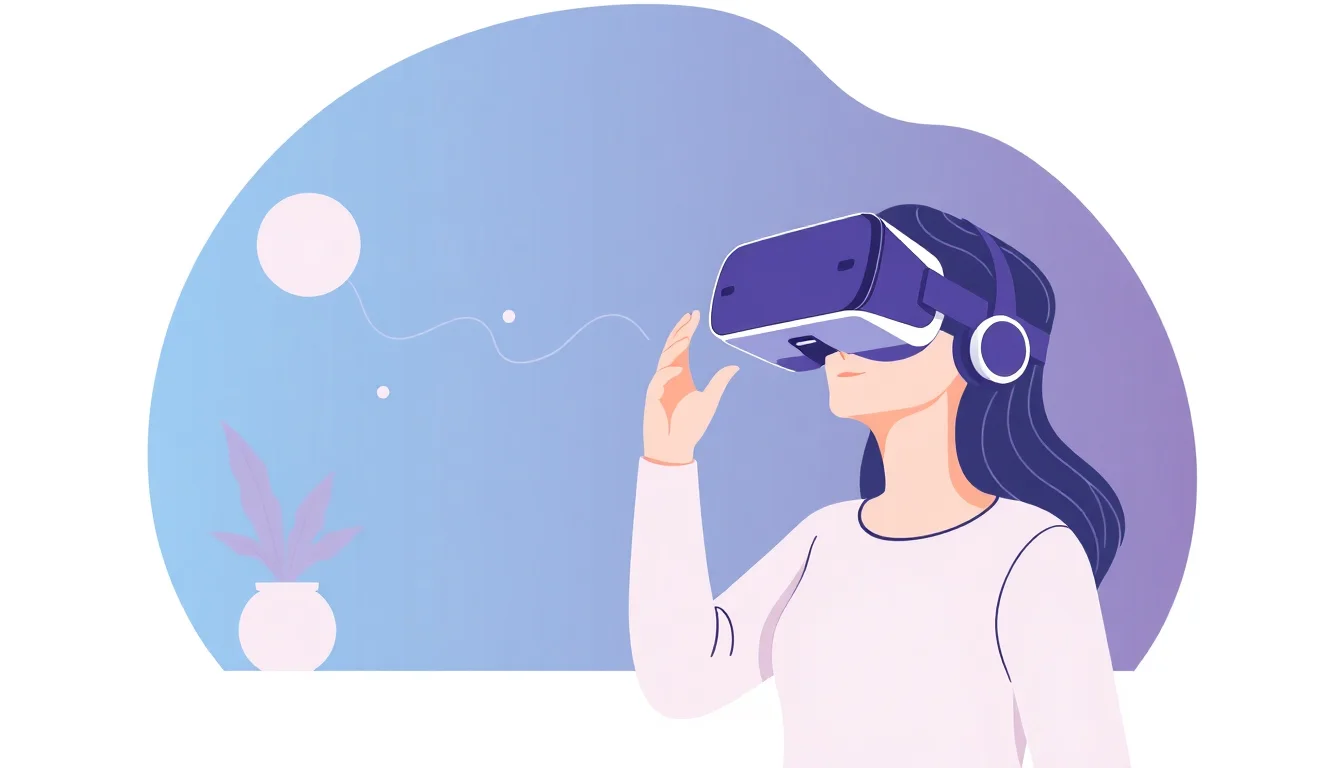
Virtual Reality (VR) isn't just about strapping a screen to your face; it's about stepping into another dimension. At its core, VR tricks your senses, primarily sight and sound, into believing you're somewhere else entirely. This immersion is achieved through a head-mounted display that presents stereoscopic images, creating a sense of depth, and often incorporates head-tracking technology so your view within the virtual world mirrors your physical movements. The goal is to achieve a sense of presence, where the digital environment feels as real as your physical surroundings. For newcomers, this can range from exploring fantastical landscapes in rhythm games to attending virtual concerts or even participating in virtual reality training simulations.
🎧 Your First Headset: The Big Decision
Choosing your first VR headset is akin to picking your first gaming console – it dictates your entire experience. The market is dominated by a few key players, each with distinct strengths. For absolute beginners, the all-in-one standalone headset often represents the easiest entry point due to its wireless nature and accessible price. However, if you already own a powerful gaming PC, a PC VR headset like the high-fidelity option or professional-grade headset might offer superior graphical fidelity and a wider library of demanding experiences. Consider your budget, existing hardware, and the types of VR content you're most eager to explore before making this crucial decision.
💻 PC VR vs. Standalone VR: The Great Divide
The fundamental choice in VR hardware boils down to PC VR versus standalone VR. Standalone headsets, like the Meta Quest series, are self-contained units that don't require a PC. They offer unparalleled freedom of movement and a simpler setup, making them ideal for casual users and those without a gaming rig. PC VR, on the other hand, connects to a powerful computer, unlocking higher graphical settings, more complex simulations, and access to the extensive gaming platform. While PC VR generally offers a more visually stunning and technically advanced experience, it comes with the added cost of a capable PC and the inconvenience of tethered cables (though wireless adapters exist).
🎮 Essential Accessories for Immersion
While a headset is the core component, a few accessories can dramatically enhance your VR journey. VR controllers are standard, but for certain experiences, a haptic feedback suit can add a new layer of physical sensation, making virtual impacts feel more real. Full-body tracking systems, often involving external sensors, allow your entire body's movements to be translated into the virtual world, crucial for social VR and certain games. For PC VR users, ensuring you have adequate room-scale tracking space is paramount; this means clearing an area of at least 6.5 x 6.5 feet (2 x 2 meters) to allow for unhindered movement. Don't underestimate the importance of a good audio solution, whether it's the headset's built-in speakers or a dedicated pair of headphones.
💰 Budgeting Your Entry into VR
VR can be an investment, but it doesn't have to break the bank. Entry-level standalone headsets like the budget-friendly option can often be found for under $300, offering a solid introduction. PC VR headsets, especially higher-end models, can easily exceed $1000, not including the cost of a powerful gaming PC which can add another $1000-$2000. Beyond the hardware, factor in the cost of VR games and applications, which typically range from $10 to $60. Many platforms offer free VR experiences and demos, so you can test the waters before committing to purchases. Keep an eye out for refurbished VR headsets or sales events to snag deals.
📍 Where to Buy & Set Up Your VR Gear
Purchasing VR hardware is straightforward, with major online retailers like Amazon and Best Buy being prime destinations. For PC VR, you'll also be interacting with platforms like Steam and Meta's PC store. Setup typically involves downloading companion apps, connecting your headset (either via cable or wirelessly), and defining your play space. Most headsets come with guided setup tutorials, but if you encounter issues, online forums like VR communities are invaluable resources for troubleshooting. Many electronics stores also offer in-person demos, allowing you to try before you buy.
🌟 Top VR Experiences for Newcomers
For your inaugural VR voyages, start with experiences that are accessible and showcase the medium's strengths. Beat Saber is a universally acclaimed rhythm game that's easy to pick up but offers immense replayability. Half-Life: Alyx is a benchmark for PC VR, offering unparalleled immersion and storytelling in a first-person shooter context. For social VR, VRChat allows you to explore user-created worlds and interact with avatars from around the globe. Google Earth VR provides a breathtaking way to virtually travel the world, and Superhot VR offers a unique, stylish take on time-bending action. These titles provide a diverse taste of what VR has to offer without overwhelming new users.
⚠️ Common Pitfalls & How to Avoid Them
Newcomers often stumble into a few common traps. One is VR sickness, a form of motion sickness that can occur due to a disconnect between visual input and your inner ear's sense of motion. Starting with stationary or slow-moving experiences, taking frequent breaks, and using comfort settings (like vignetting) can mitigate this. Another pitfall is neglecting play space safety; always ensure your physical area is clear of obstacles. Finally, don't expect every VR experience to be a graphical masterpiece; early VR was often limited by hardware, and while things have improved dramatically, some older titles may look dated compared to modern flat-screen games. Patience and managing expectations are key.
📈 The Future of VR: What's Next?
The trajectory of VR is undeniably upward, with advancements in display technology, haptics, and eye-tracking promising even deeper immersion. Expect lighter, more comfortable headsets with higher resolutions and wider fields of view. Mixed Reality (MR), which blends virtual elements with the real world, is also rapidly evolving, with devices like the mixed reality headset pushing the boundaries. The integration of AI into VR environments could lead to more dynamic and responsive virtual characters and worlds. The biggest question remains: will VR become a mainstream computing platform, or will it remain a niche for gaming and specialized applications? The answer will shape the future of how we interact with digital information and each other.
Key Facts
- Year
- 2024
- Origin
- Vibepedia.wiki
- Category
- Technology & Gaming
- Type
- Resource Guide
Frequently Asked Questions
Do I need a powerful PC for VR?
It depends on the headset. Standalone VR headsets like the Meta Quest 3 do not require a PC at all, as they have all the necessary processing power built-in. However, PC VR headsets, such as the Valve Index or HTC Vive Pro 2, require a high-end gaming PC with a powerful graphics card, processor, and sufficient RAM to run demanding VR titles smoothly. Always check the specific system requirements for any PC VR headset you are considering.
What is 'room-scale' VR?
Room-scale VR refers to a VR setup that allows you to physically walk around within a designated play area. This requires external sensors or inside-out tracking on the headset to map your physical space. A minimum clear area of 6.5 x 6.5 feet (2 x 2 meters) is generally recommended for the best room-scale experience, enabling you to move, duck, and dodge within virtual environments. It's a significant step up in immersion compared to 'standing' or 'seated' VR experiences.
Can VR cause motion sickness?
Yes, VR motion sickness, often called 'cybersickness,' is a real phenomenon for some users. It occurs when there's a mismatch between what your eyes see and what your inner ear senses. Symptoms can include nausea, dizziness, and headaches. Starting with shorter sessions, using comfort settings (like teleportation movement instead of smooth locomotion), and gradually increasing your exposure can help build tolerance. If symptoms persist, it's best to take a break.
What's the difference between VR and AR?
Virtual Reality (VR) completely immerses you in a digital world, replacing your real-world surroundings with a computer-generated environment. Augmented Reality (AR), on the other hand, overlays digital information or objects onto your view of the real world, enhancing rather than replacing it. Think of VR as stepping into a new reality, while AR is like adding digital elements to your current one, as seen in smartphone apps like Pokémon GO or AR glasses.
Are VR games expensive?
The cost of VR games varies widely. Many popular VR titles, especially AAA releases for PC VR, can cost between $30 and $60, similar to traditional console games. However, there are also many excellent VR experiences available for $10-$20, and numerous free demos and applications. Platforms like Steam and the Meta Quest Store frequently have sales, making it possible to build a substantial VR library without excessive spending.
How much space do I need for VR?
The space requirement depends on the type of VR experience. For seated or standing-only VR, you only need enough space to comfortably stand or sit without hitting anything. For 'room-scale' VR, which allows you to walk around, a minimum clear area of 6.5 x 6.5 feet (2 x 2 meters) is generally recommended. Always ensure your play space is free of furniture, pets, and other obstacles to prevent accidents.